Clip transcript
Loading…
270 GW of data centers 'underway or planned' (2:29) is the number this whole talk stands on, and planned is where the padding lives. Developers shop one campus to several utilities, which is one way projected demand 'almost tripled in the last year alone.' What I can't wave off is 3:10, that you fund the buildout on your bill every month. Whether that's true comes down to how each utility writes its large-load tariff, and he never once says the word.
“BloombergNEF’s forecasted 2030 installed US data center capacity is now 118 gigawatts (GW), an upwards revision of 52% compared to our December 2025 forecast. We expect 194GW of data centers to be online in the US by 2035 – an 83% upward revision.”
Six Things to Know About BNEF’s New US Data Center Capacity Outlookabout.bnef.com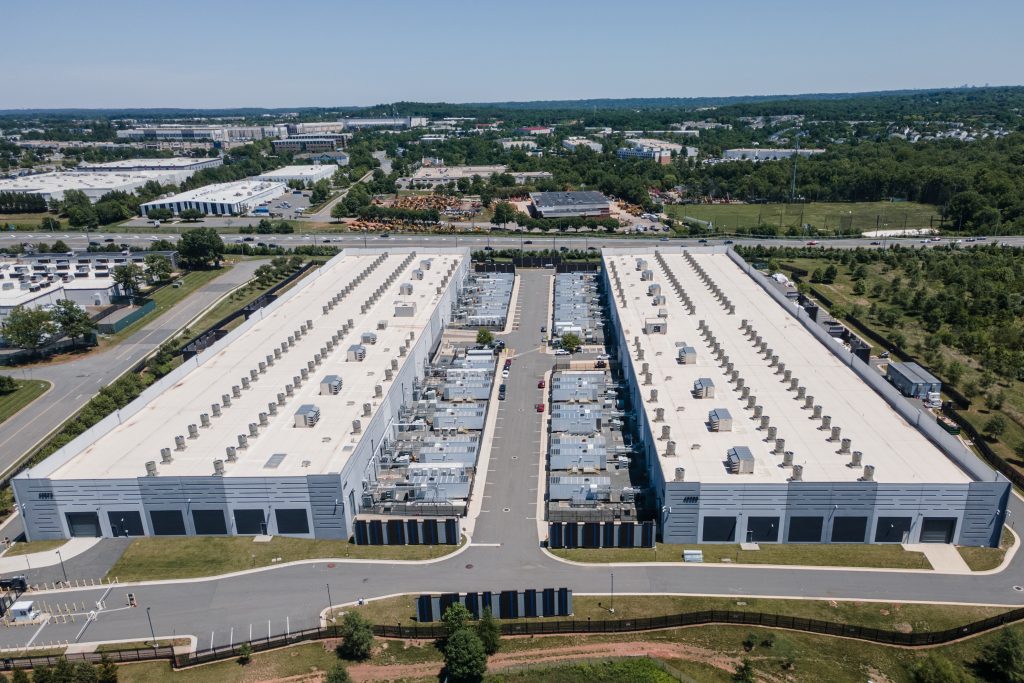
BNEF for scale, even after July's 83% upward revision to its 2035 number: 194 GW of data centers online by then, existing sites included. Still short of his 270 planned.